Steps to Access COL Mobile
- Open the Google Chrome browser on your mobile device.
- In the address bar, type mobile.colfinancial.com.

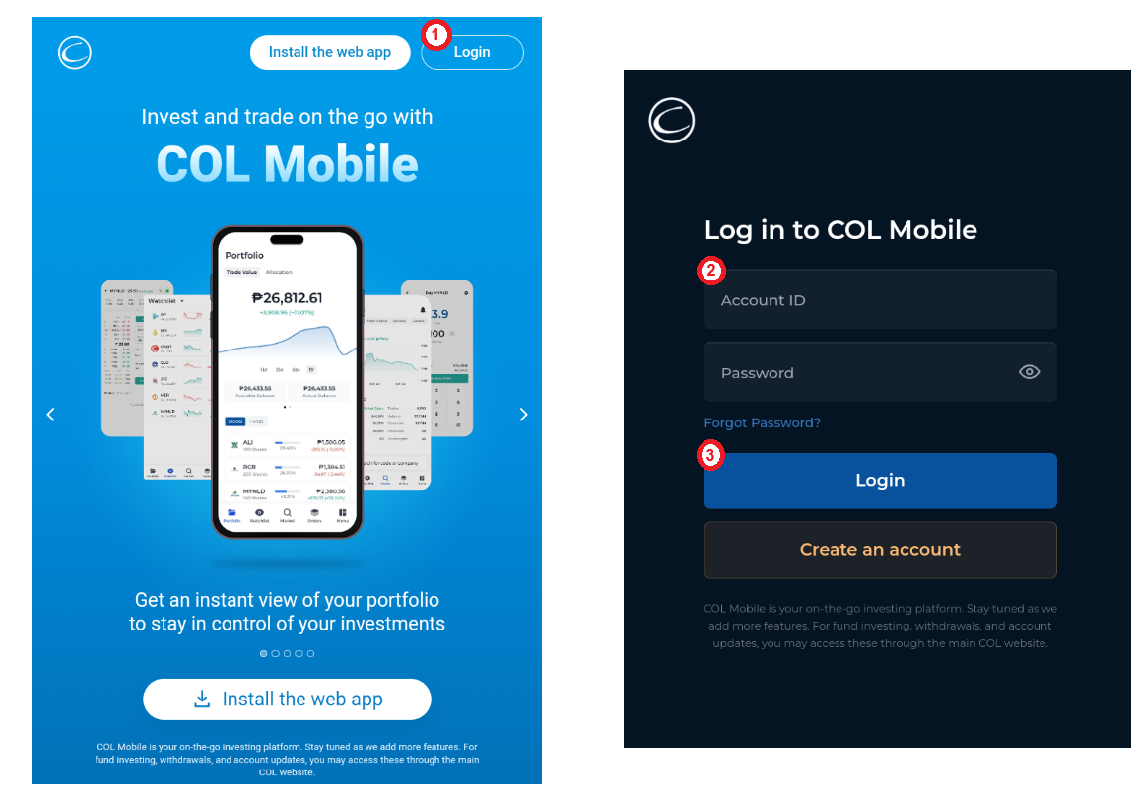
- Tap Login and enter your 8-digit COL account number and password.
- Once done, tap Login again to access your account.

Modified on: Tue, 4 Aug, 2026 at 4:12 PM
Did you find it helpful? Yes No
Send feedback