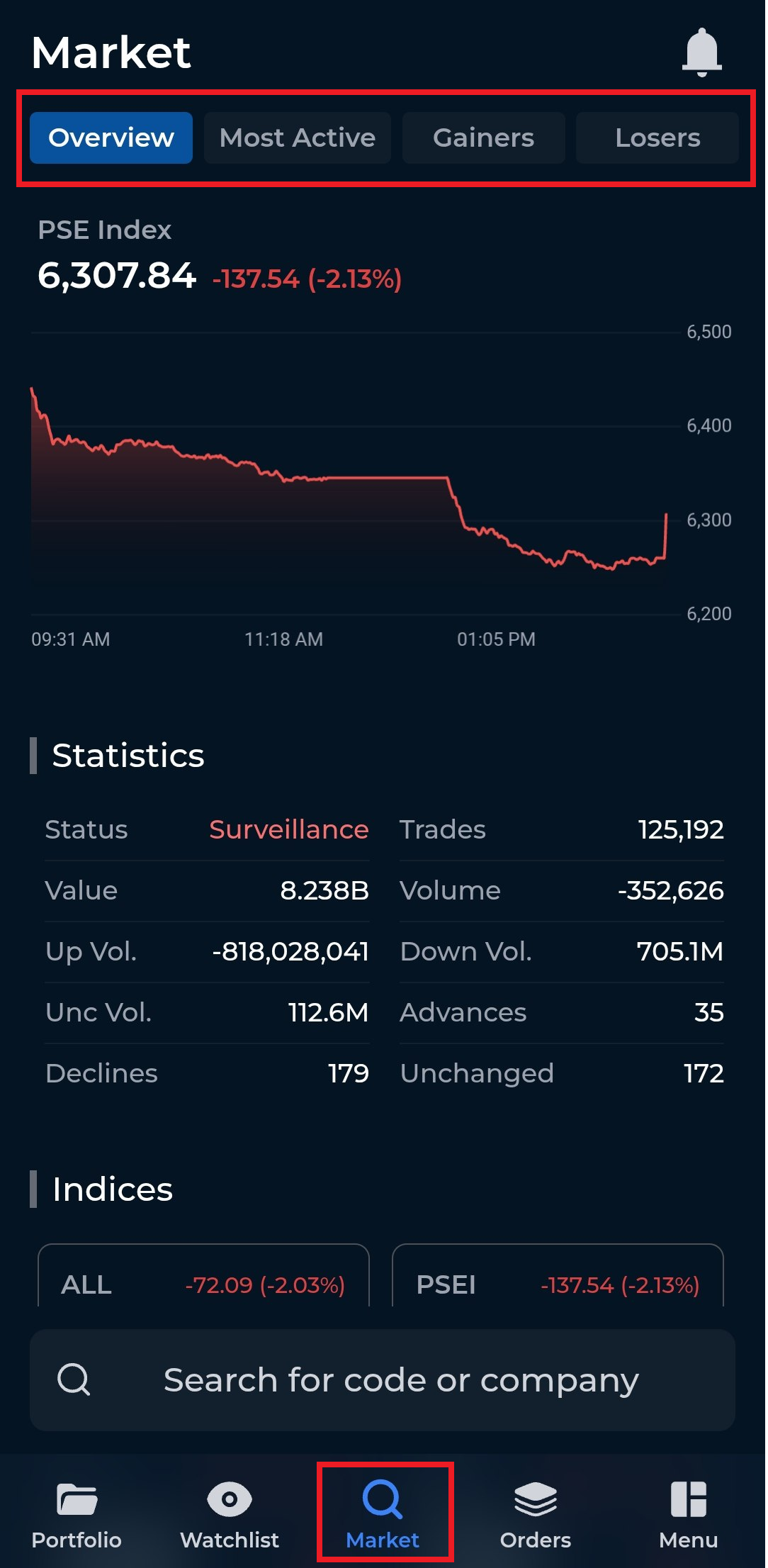
To check the PSEi and other market information, follow these steps:
Tap on the Market tab.
Select Overview.
Under the Overview section, you will be able to view the market’s charting, statistics, and indices, including the PSEi and its current performance.
You may also navigate to the other tabs within the Market section to see the day’s most active stocks, as well as the top gainers and losers.