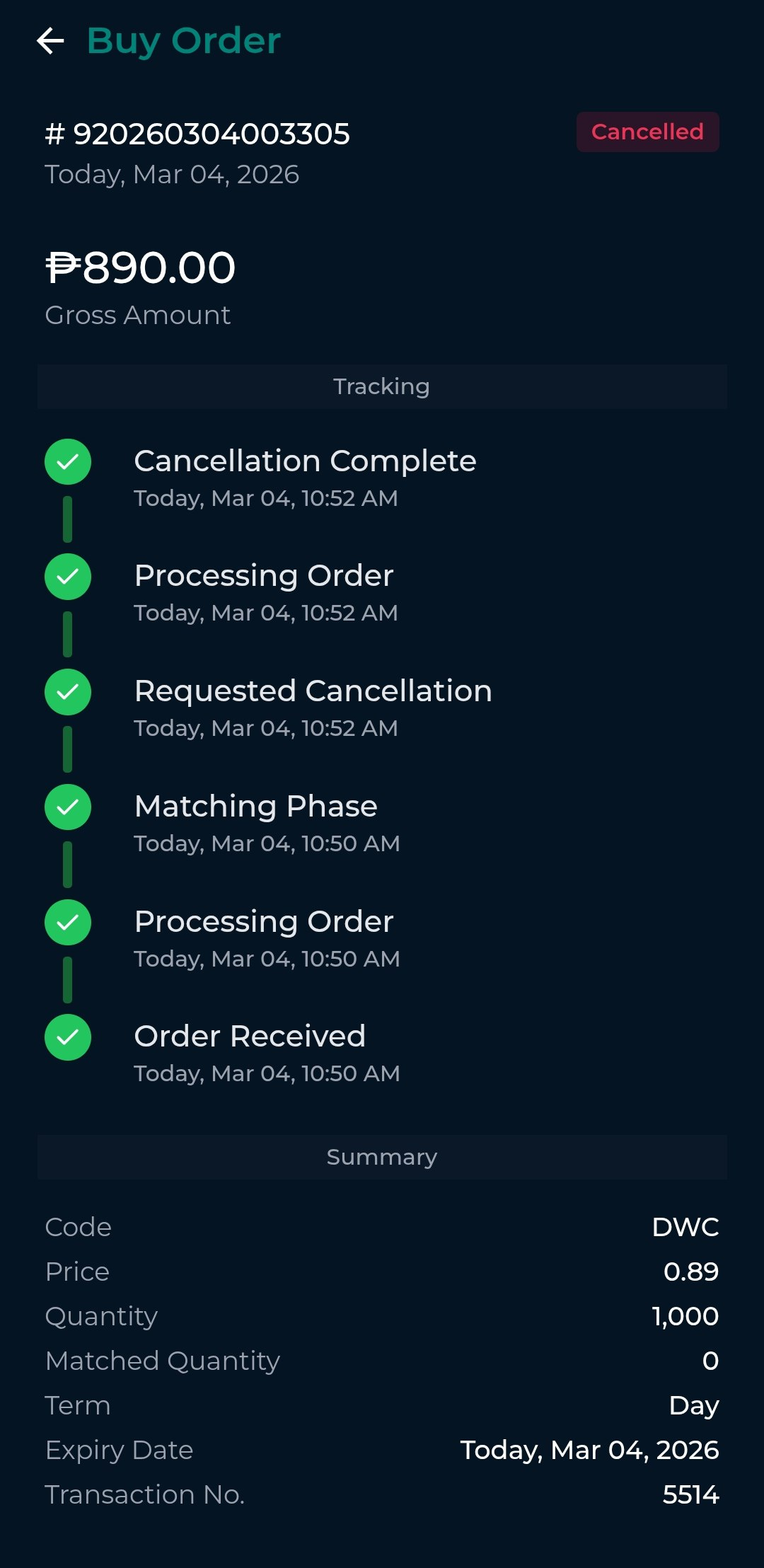
To cancel an order, follow these steps:
Tap on the Orders tab.
Select the order you wish to cancel to view its full details and track its status.
Tap the Cancel button at the lower portion of the screen.
A confirmation prompt will appear. Enter your password to confirm the cancellation.
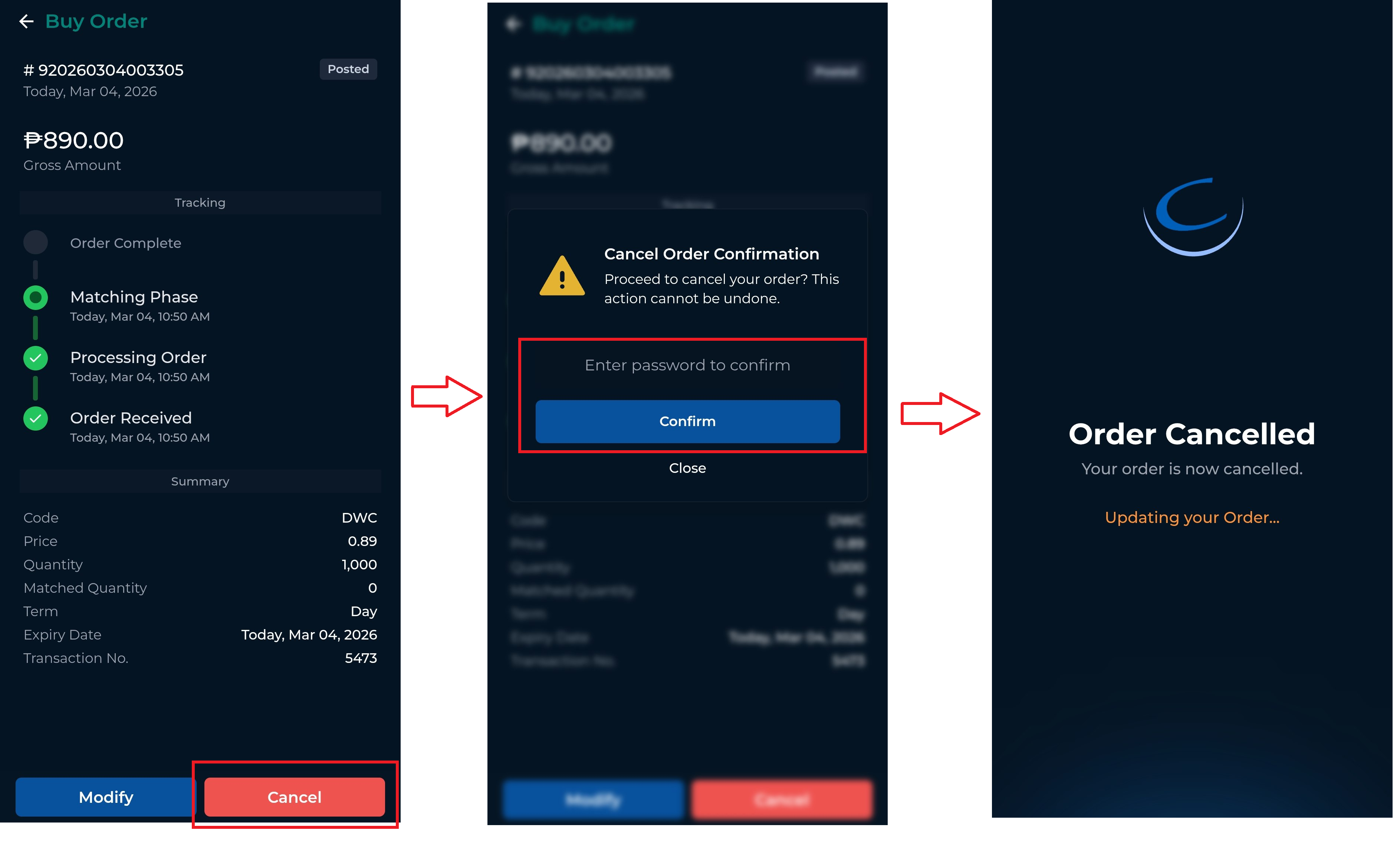
Once confirmed, the order will be canceled, and the updated status will be reflected in the Orders tab.