
COL Pro is the new trading interface of COL Financial. It is currently in early release and available to selected users.
Accessing COL Pro on Android
Open your mobile browser.
Go to pro.colfinancial.com (or type https://pro.colfinancial.com in the address bar).
Log in using your existing COL account credentials.
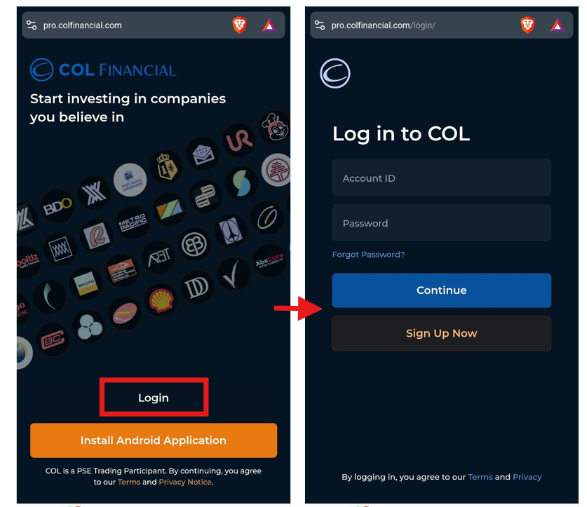
Account Number
Enter your 8-digit COL account number.
If your account number starts with 0, make sure to include the zero at the beginning.
Do not include hyphens or spaces.
Password
Use the same password as your COL account.
Passwords are case sensitive.
If you’ve forgotten your password, visit www.colfinancial.com and click the “Forgot Password” link at the upper right corner of the page.